Waiting is part of the product. A customer taps “Save,” pays an invoice, or asks for a report, then has to decide whether the application is working, stuck, or safe to leave. A spinning shape does not answer those questions. It only makes the uncertainty visible.
That moment deserves the same product attention as the form, the result, and the error screen. A good loading state makes a small promise: we received your intent, this is the state of the work, and this is what you can do while the answer is not ready.
Describe the work, not the animation
“Loading” is often too vague to be useful. It can mean the application is fetching a list, validating a payment, creating an account, or waiting for an external system. Those situations have different consequences for the person waiting.
Start by naming the user’s job and the state that matters. “The report is loading” is a UI label. “The analyst can leave this page after requesting a report and later find out whether it was completed” is a product requirement.
That requirement creates useful questions before anyone chooses a spinner:
- What action did the person take, and when do we acknowledge it?
- Is the work still happening if they refresh, close the app, or lose their connection?
- Is there meaningful progress to show, or only an honest in progress state?
- What is safe to do while waiting—continue, cancel, edit, or ask for help?
- How will they recognise a result, a delay, or a failure?
The answers become interface copy, backend behaviour, analytics, support guidance, and tests. If the team cannot say whether a second tap starts duplicate work, the experience is not fully defined yet.
Make the states explicit
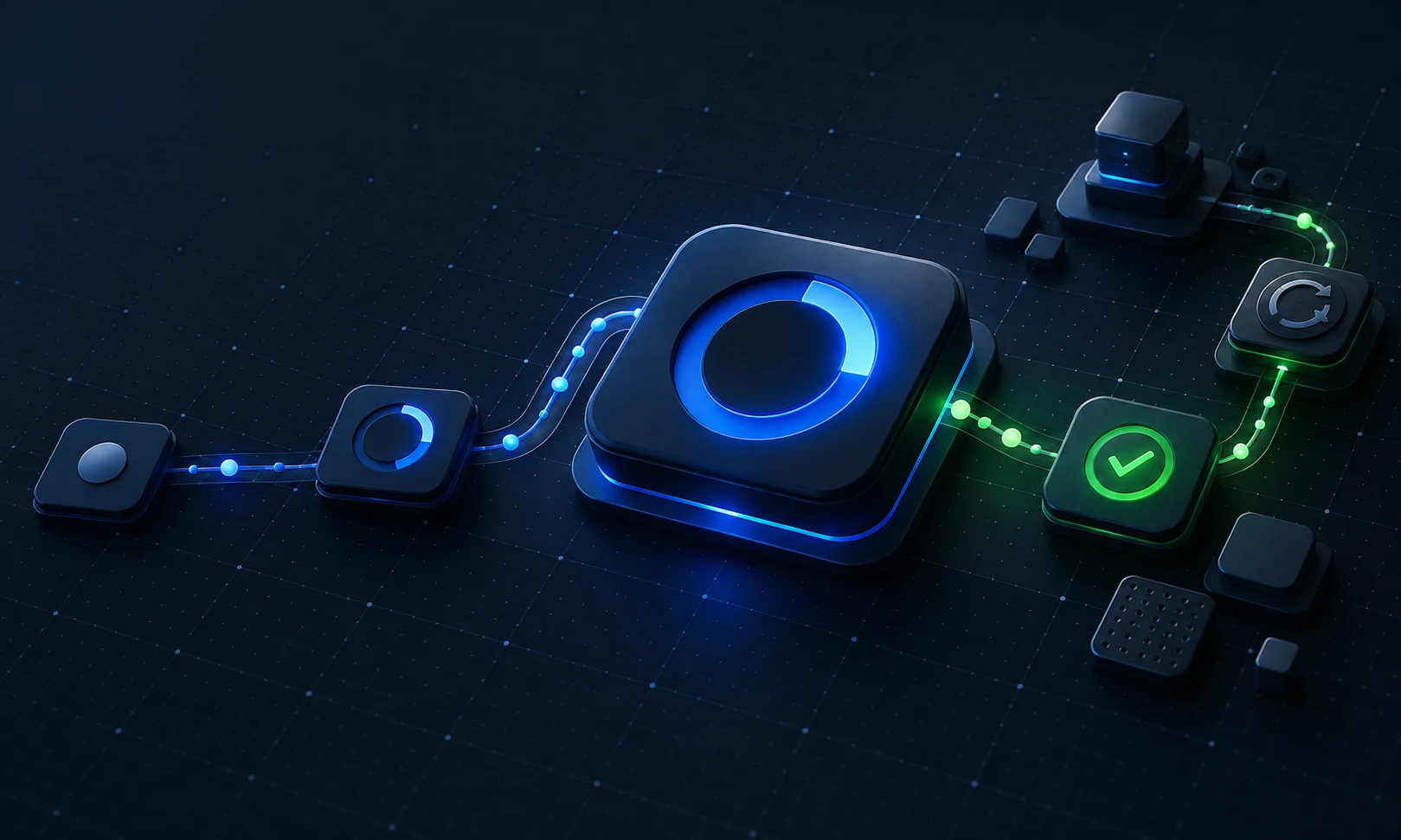
Most important actions need more than idle and done. A compact state contract is usually enough:
- Ready: the action is available and its consequence is clear.
- Accepted: the product confirms that it received the request, ideally with a stable reference for important work.
- In progress: the work is continuing; show reliable progress only when the system can substantiate it.
- Complete or needs attention: make the outcome and the sensible next action clear.
“Processing your refund; you can safely close this page” is a stronger promise than a disabled button with no explanation. “We could not confirm the result yet—check again in a few minutes” is better than declaring failure when the system is merely uncertain.
Avoid theatrical progress. A bar that climbs smoothly while the system has no evidence of completion trades short-term reassurance for a worse surprise later. If the product only knows that work was accepted, say that. If it can report completed steps, name those steps. A trustworthy state is more valuable than a busy-looking one.
Preserve the person’s intent during recovery
The recovery path is where a loading state becomes a product decision. A network interruption may leave the customer unsure whether an order, message, or payment was recorded. Repeating the action automatically can create a second consequential request; forcing the person to start over can lose valuable work.
Design the recovery around the original intent:
- keep entered information until the outcome is known;
- use a stable request or business reference for consequential actions;
- make retry mean something precise—resume a safe request, check its status, or create a new one only when that is correct; and
- explain when support needs the reference, instead of exposing technical error details.
The same discipline applies to cancellation. Do not offer “Cancel” when it only hides the interface while irreversible work continues. If cancellation is not possible, say so and give the next useful choice. Clarity protects both the customer and the support team from inventing their own explanations.
Announce changes without taking people out of their work
A visual change is not enough when someone is using a screen reader, working on a narrow screen, or simply looking elsewhere while a background task finishes. The WCAG 2.2 status-messages criterion covers messages about results, waiting, progress, and errors that do not move focus. Its aim is not to make every update loud; it is to make important changes available without needlessly interrupting a person.
For a routine confirmation, a role="status" region is often the right pattern. The W3C technique for that role notes that it has an implicit polite live-region behavior. Use it for a meaningful message with context—“Invoice sent to Acme,” not merely “Success.” Reserve urgent interruptions for time-sensitive problems, and avoid broadcasting every timer tick or background refresh.
The product question is still the same: what changed, why does it matter, and what should this person do now? Accessible status behaviour makes the answer available to more people; it does not replace the need for a good answer.
Measure the waiting experience, not just the request
Technical timing still matters, but it is not the whole experience. Largest Contentful Paint measures when a page’s main content is likely loaded from the user’s perspective. For an in-product action, add signals that connect the wait to the outcome: request accepted, result shown, abandonment while pending, retry, and support contact.
Review those signals by the journey and the state, not only as one average response time. A fast API call is not a good result if the interface leaves people wondering whether their work was saved. A slower asynchronous process may be acceptable when the product acknowledges the request, preserves intent, and gives a dependable place to return.
Test the moments where certainty breaks
Before release, test more than the happy path:
- Slow the connection and verify the acknowledgement arrives before people start guessing.
- Refresh or reopen the product while the work is pending.
- Tap the action again and confirm the resulting behavior is deliberate.
- Exercise delayed success, known failure, and unknown outcome separately.
- Check that the status message is understandable without colour, motion, or visual focus alone.
These are small checks, but they turn waiting from a blank gap in the flow into a designed part of the promise. The outcome is not a more elaborate loader. It is a product that remains legible when work takes time.
If your next product needs design, engineering, and quality to make those decisions together, bring BugSquad the challenge.